 ostudy
Lessons
Lectures made from your own course material
ostudy turns a subject's documents into a short course of lessons. Each one plays as a lecture: designed slides, a teacher's voice that explains every slide, and questions along the way: pick an answer and the teacher tells you why it is right or wrong.
How a lesson is made
Generate slideshows with lecture audio
Choose Lessons when you make a subject's study materials, and ostudy builds them from what it already read in the documents. Nothing is read twice.
Read what the teacher says
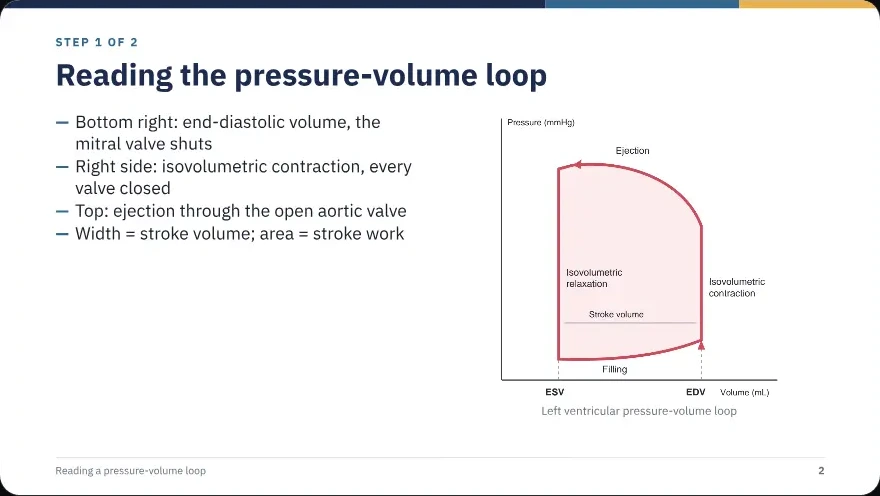
Here is one heartbeat drawn as a loop. Volume runs along the bottom and pressure up the side. Start at the bottom right corner: that's end-diastolic volume, the moment the mitral valve shuts. The ventricle squeezes with every valve closed, so pressure shoots straight up. When it passes aortic pressure, the aortic valve opens and blood is ejected across the top. Then the valve shuts, pressure falls, and filling begins again. So the width of the loop is your stroke volume, and the area inside it is the work of one beat.
- 01
A course in order
The subject's key ideas are arranged into lessons that teach one topic at a time, each building on the last.
- 02
Slides
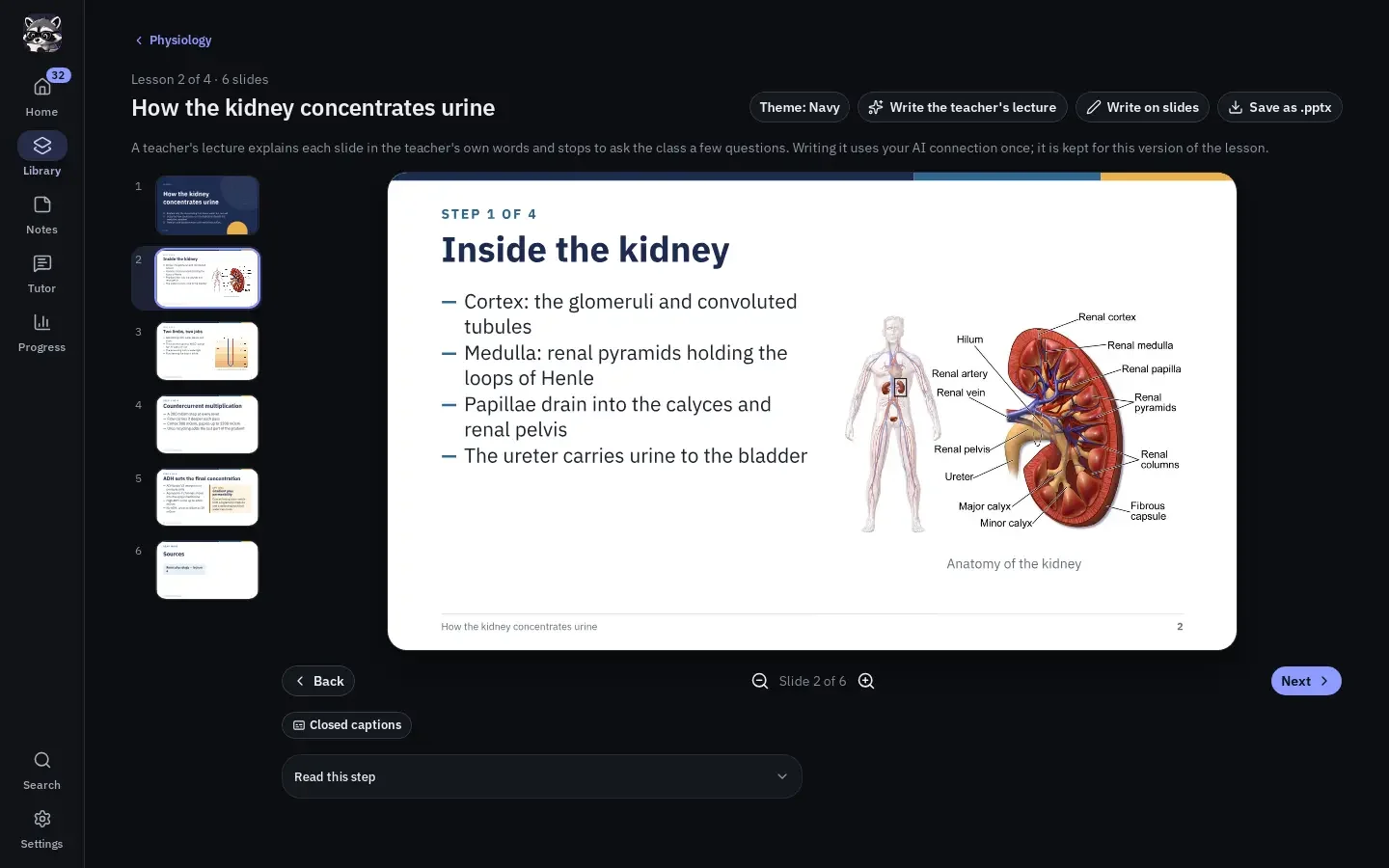
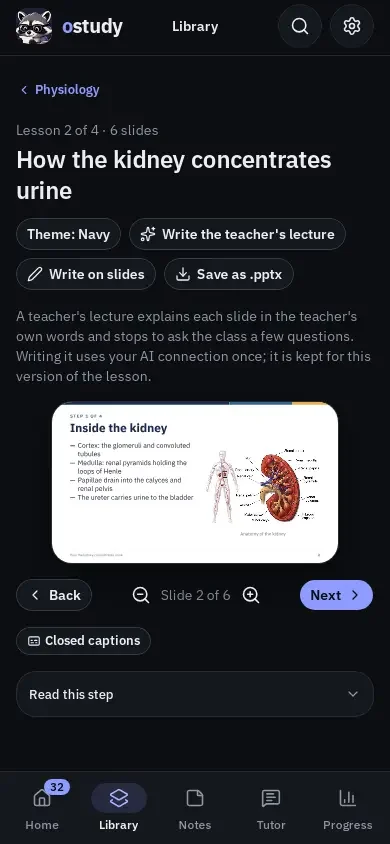
Each lesson becomes a deck of designed slides: points, tables, worked steps, and the document's own figure where one fits.
- 03
The teacher's lecture
The AI writes what a teacher would say over each slide, in full, plus the questions they'd ask and a reply to every answer.
- 04
Read aloud
A voice reads every part and ostudy keeps the audio, so Play lecture starts at once and listening again costs nothing.
Voices
Choose from a variety of different local or cloud vocal models
Kokoro reads lessons aloud on your own computer for free, after a one-time download, and nothing you study leaves the device. Through OpenRouter, Drama 3 reads in a voice you choose: two come with ostudy, and you can describe a new one, such as “a calm older woman with a British accent”, and keep it.
A lesson keeps the voice it was first read in, so every part sounds alike. With Drama 3 each part costs about a cent or less the first time.
- Autoplay moves to the next slide when the teacher finishes, or stay on a slide until you choose Next.
- Closed captions show what the teacher is saying.
- Read this step plays one slide's talk on its own.
- Write on slides with the same pen and highlighter as your notes and documents.
- Save as .pptx to open the slides in PowerPoint, Keynote or LibreOffice.
- Pick up where you left off from Home. Lessons never change your flashcard schedule.
Podcasts
Generate full length podcasts on any subject
Once a subject's lessons are written, Make a podcast writes a conversation between two hosts, Ada and Ben, who talk through the subject's first three lessons the way friends who've done the reading would. Pick each host's voice, then listen on a walk, in the car or while you cook.
The subject can be anything: start a study set from your own documents, or just describe a topic and the AI writes the notes the lessons and podcast are made from.
Uses the provider you picked
Lessons, lectures and podcasts are written with the AI service you set up, and read aloud by the voice you chose. Without an AI service, lessons are hidden and everything else still works.